














30-Day Money Back
Contact us within 30 days and we'll give you a full refund. Checkout our refund policy here

Create powerful Magento content from one visual editor. Fast and code-free.
Magezon guarantee all products have to meet the requirement of developing extensions according to Extension Quality Program on Magento Marketplace. The program is powered by Magento expertise, development guidelines, and verification tools.
Passing the verification confirms the best coding structure, performance, scalability, and compatibility with Magento 2 core of the extension.
The EQP program consists of 3 review processes including Business Review, Technical Review and Marketing Review. The Technical Review is the toughest one with careful checklist:
EQP explanation can be found in this official blog post from Magento. View Magezon Page Builder 2 on Magento Market Place
Built with performance in mind, Magezon Page Builder for Magento 2 provides a visual, drag-and-drop interface with powerful features that help create high-performing, beautiful content effortlessly.

Community Edition: 2.4.x
Enterprise Edition:2.4.x

While Magento Page Builder provides a visual way to create content, it comes with several limitations that can slow down website development, limit creativity and scalability.

Magezon Page Builder provides a visual, drag-and-drop interface with powerful features that help create high-performing, beautiful content effortlessly.
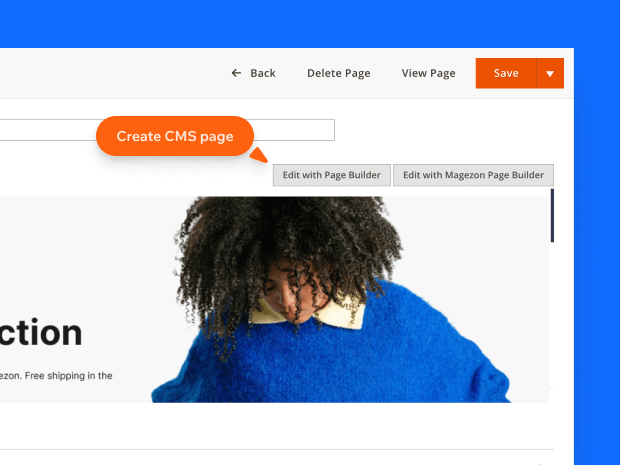
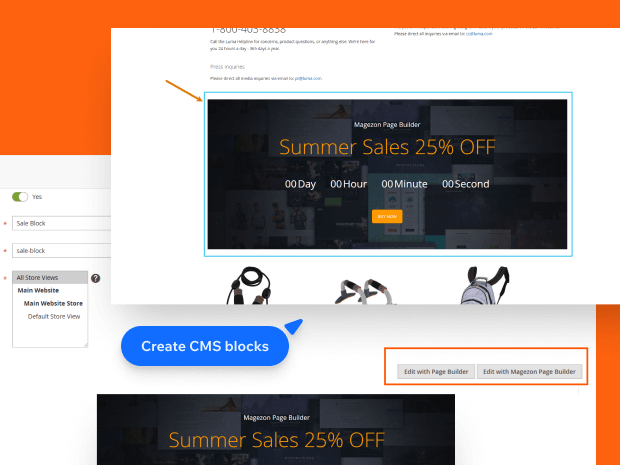
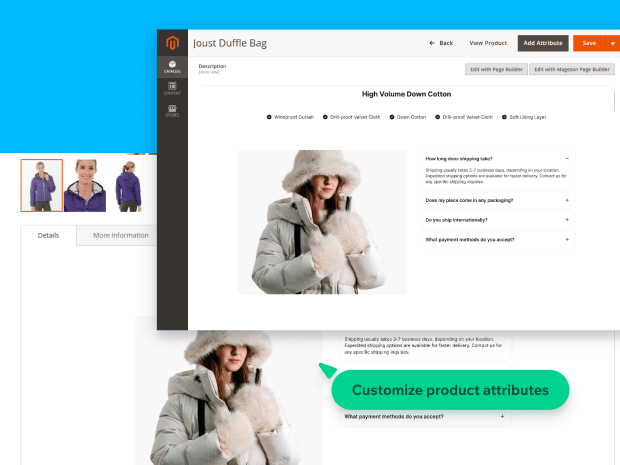
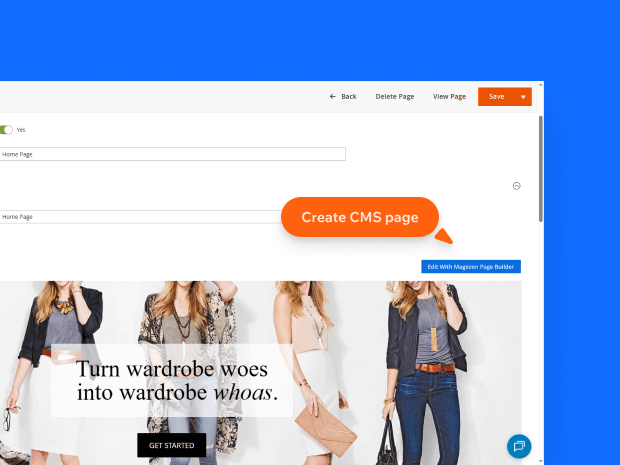
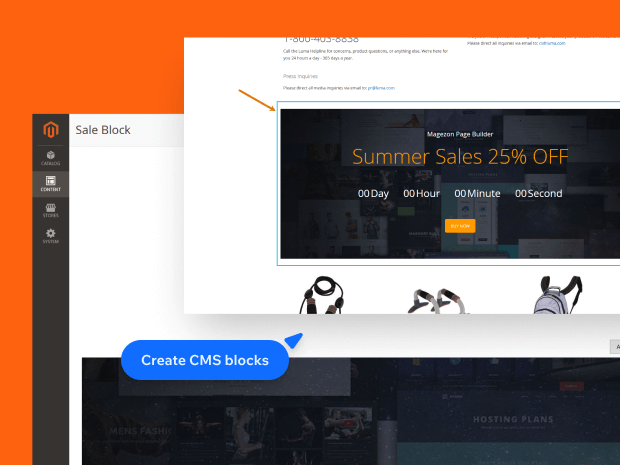
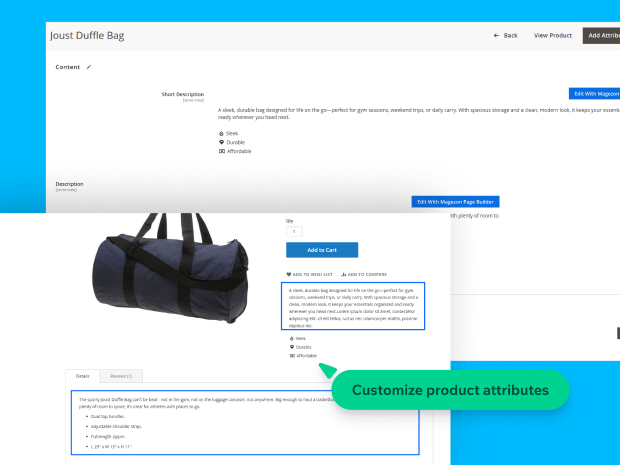
Use Magento 2 Page Builder to visually create and customize content, from CMS pages and static blocks to category descriptions and product attributes.
 4500+
4500+
Store owners, agencies, and developers
 100+
100+
Positive reviews
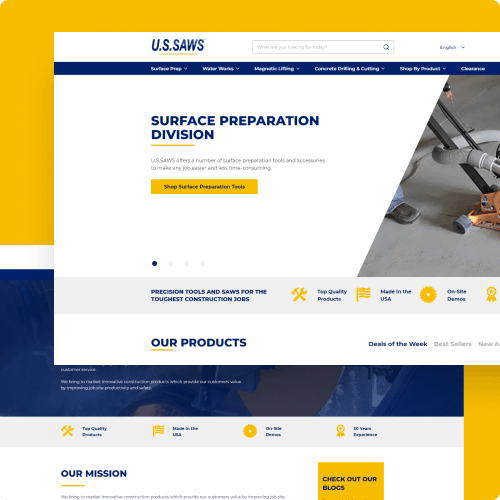

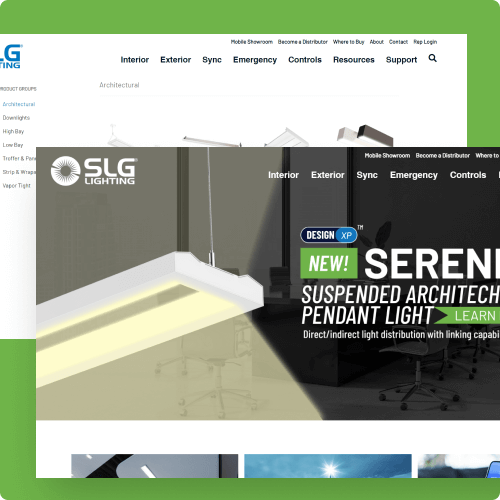

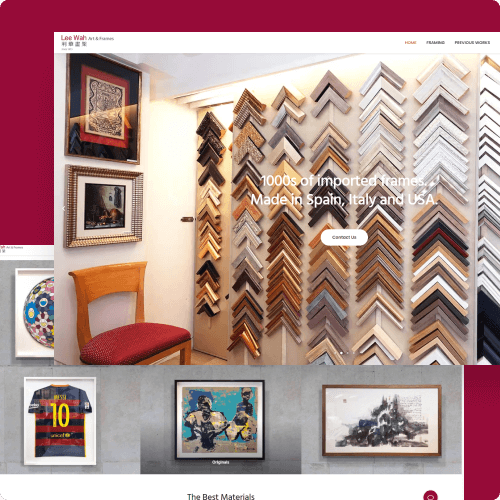
Page Builder for Magento 2 is built with performance in mind to help improve your site's rankings and boost organic traffic. Every line of code is optimized to reduce bloat and load only what’s necessary.


Build content with zero coding knowledge. The simple, intuitive drag & drop editor is perfect for non-techy users.

Design pixel-perfect content with a wide range of design options for typography, background, border, and more.

Extend functionality and integrate advanced features at ease when deeper control is required.

Speed up your Magento projects with layers, action history and many workflow optimization features.
Build and preview your content in real time as it will appear on the frontend.
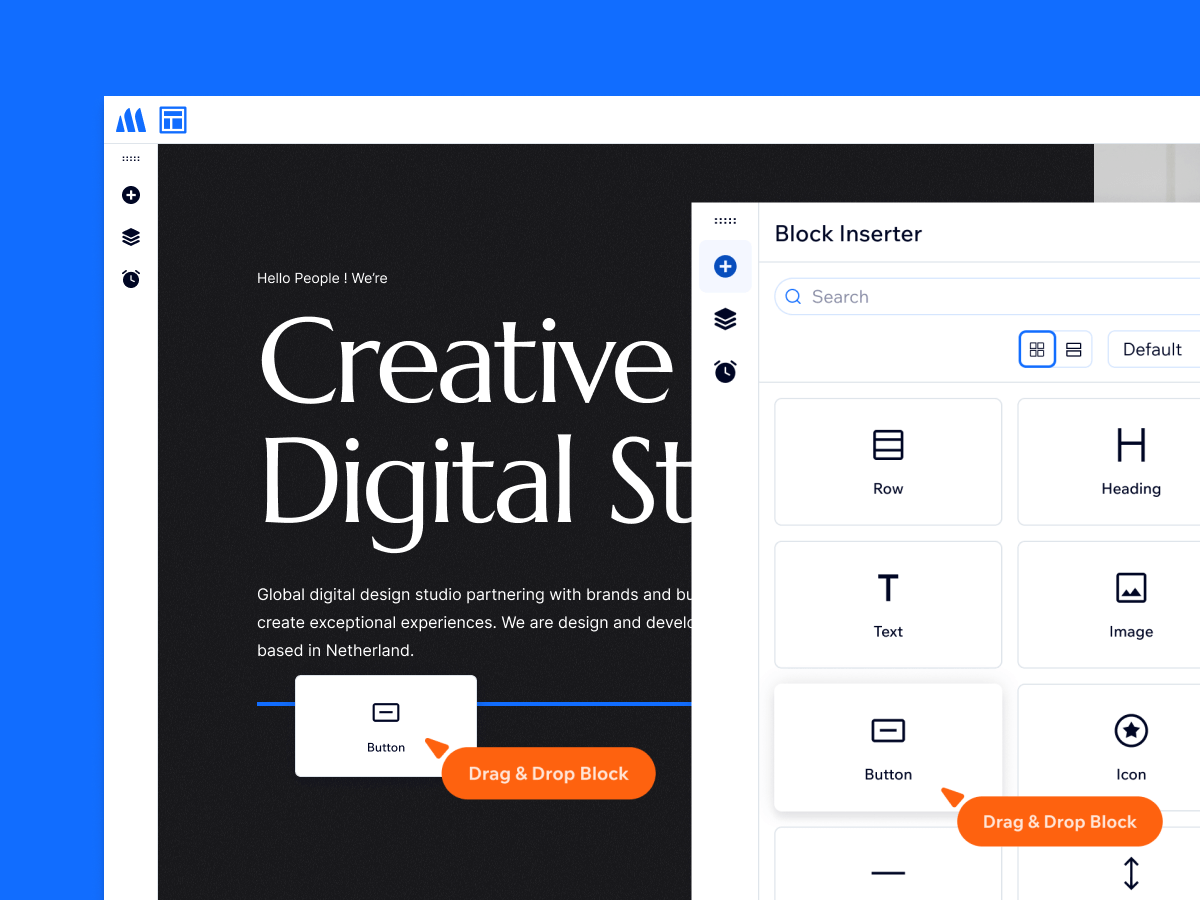
Add and move blocks around effortlessly with drag & drop. Everything feels smooth, fast & intuitive.
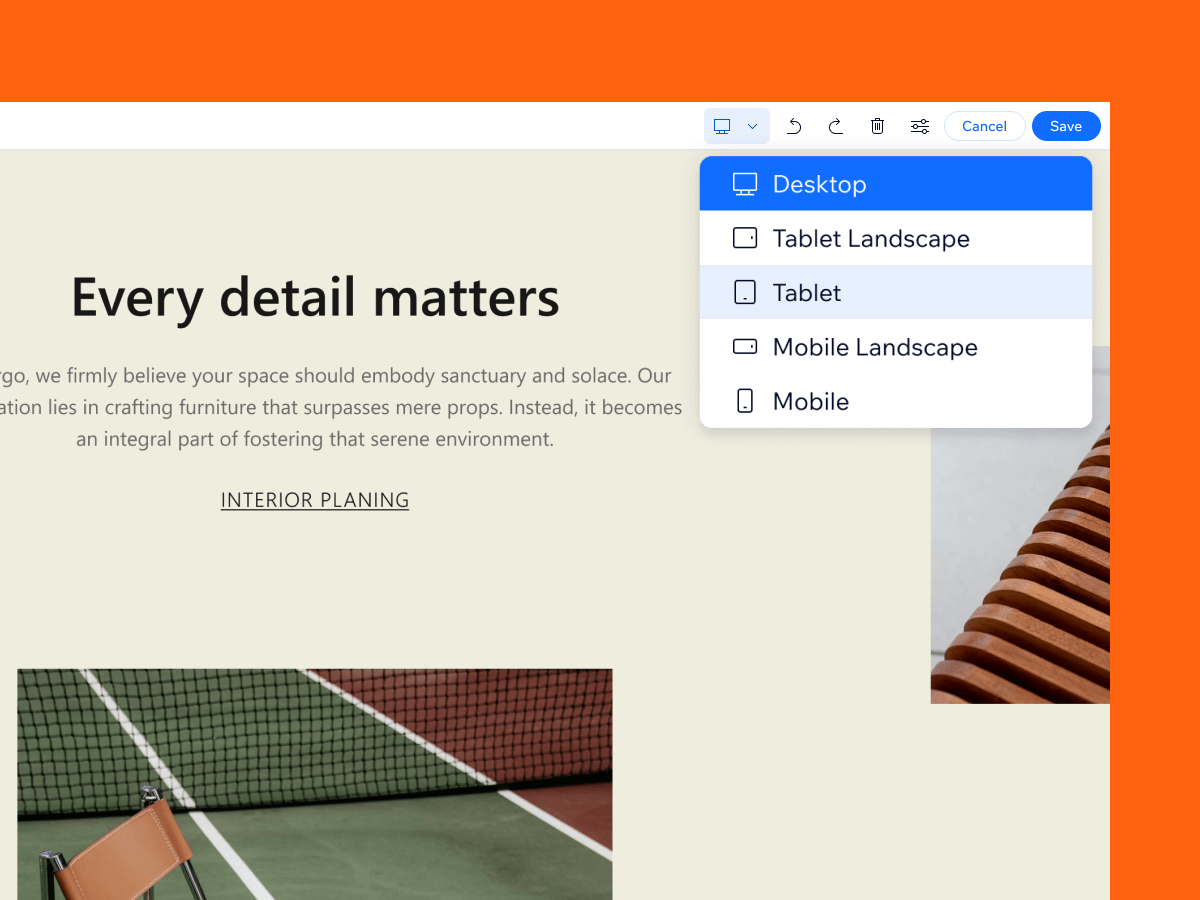
Design for all devices with responsive controls across 5 breakpoints. Adjust block visibility, column width, and many options per device while previewing changes in real time.
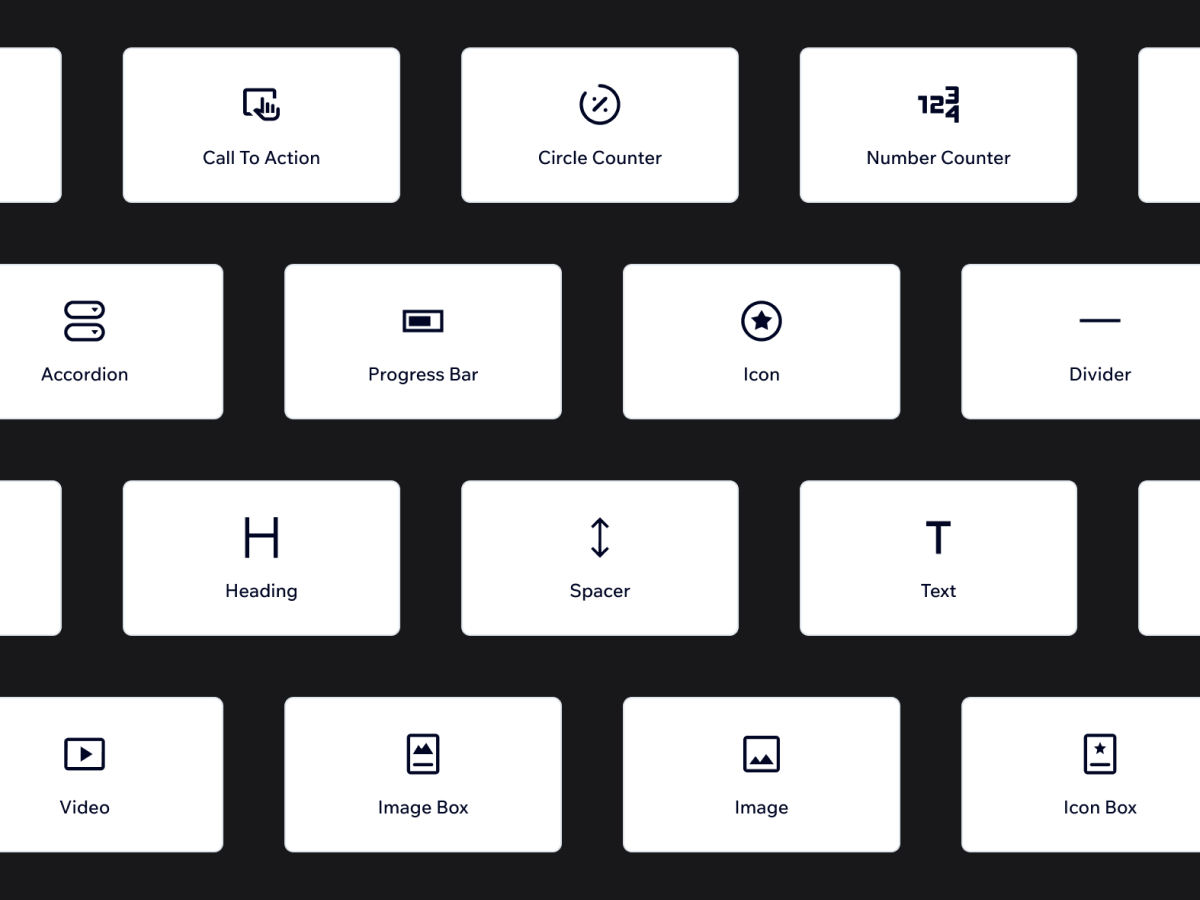
Access 20+ content blocks to build virtually any layout without writing code. Each block includes deep customization options so you can tailor designs precisely to your needs.
Build and preview your content in real time as it will appear on the frontend.
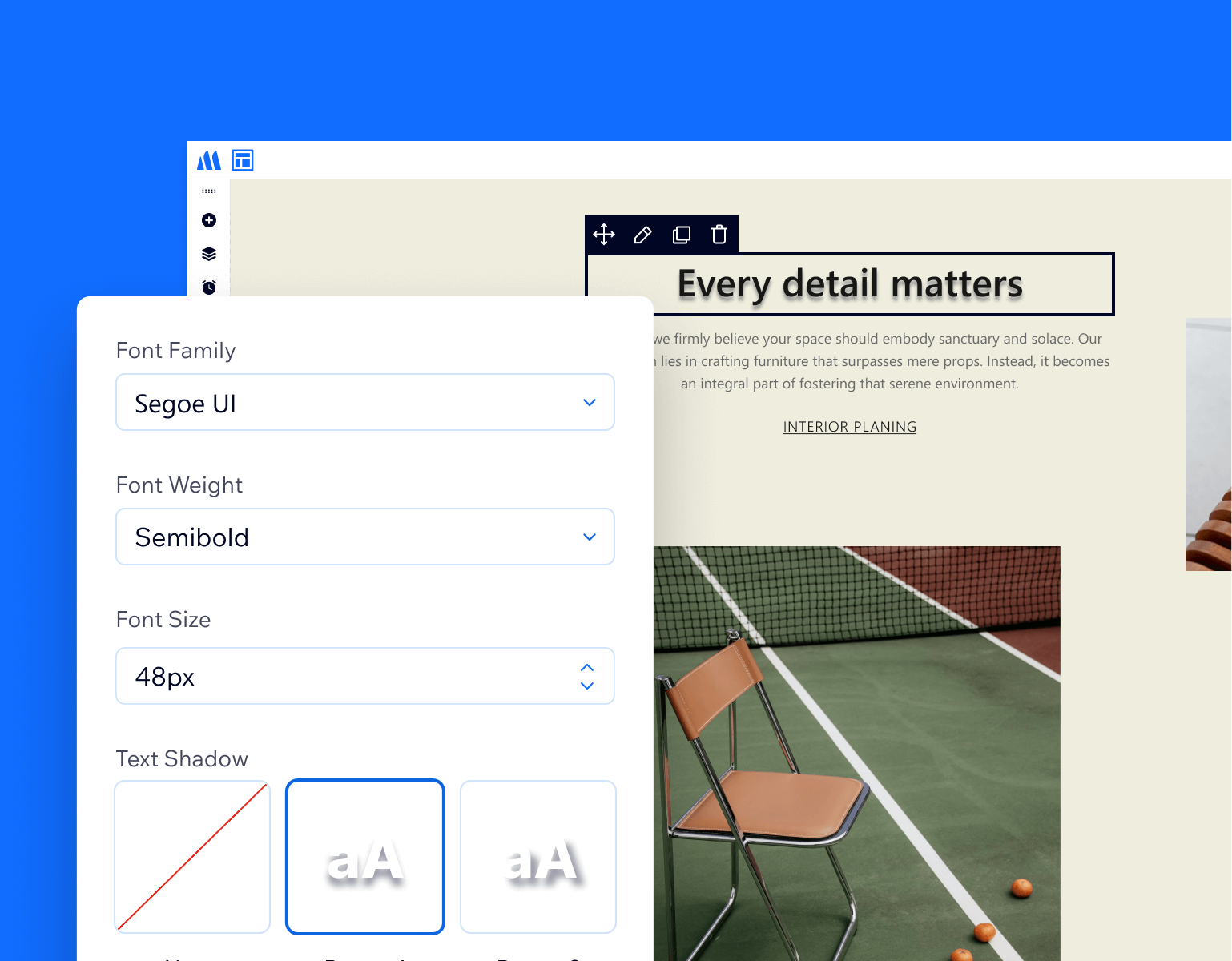
Create visual stunning text with built-in styling options. You can choose from thousands of Google Fonts, then fine-tune from size and style to color and shadows.
Customize block borders to enhance visual impact with color, width, style, and radius options.
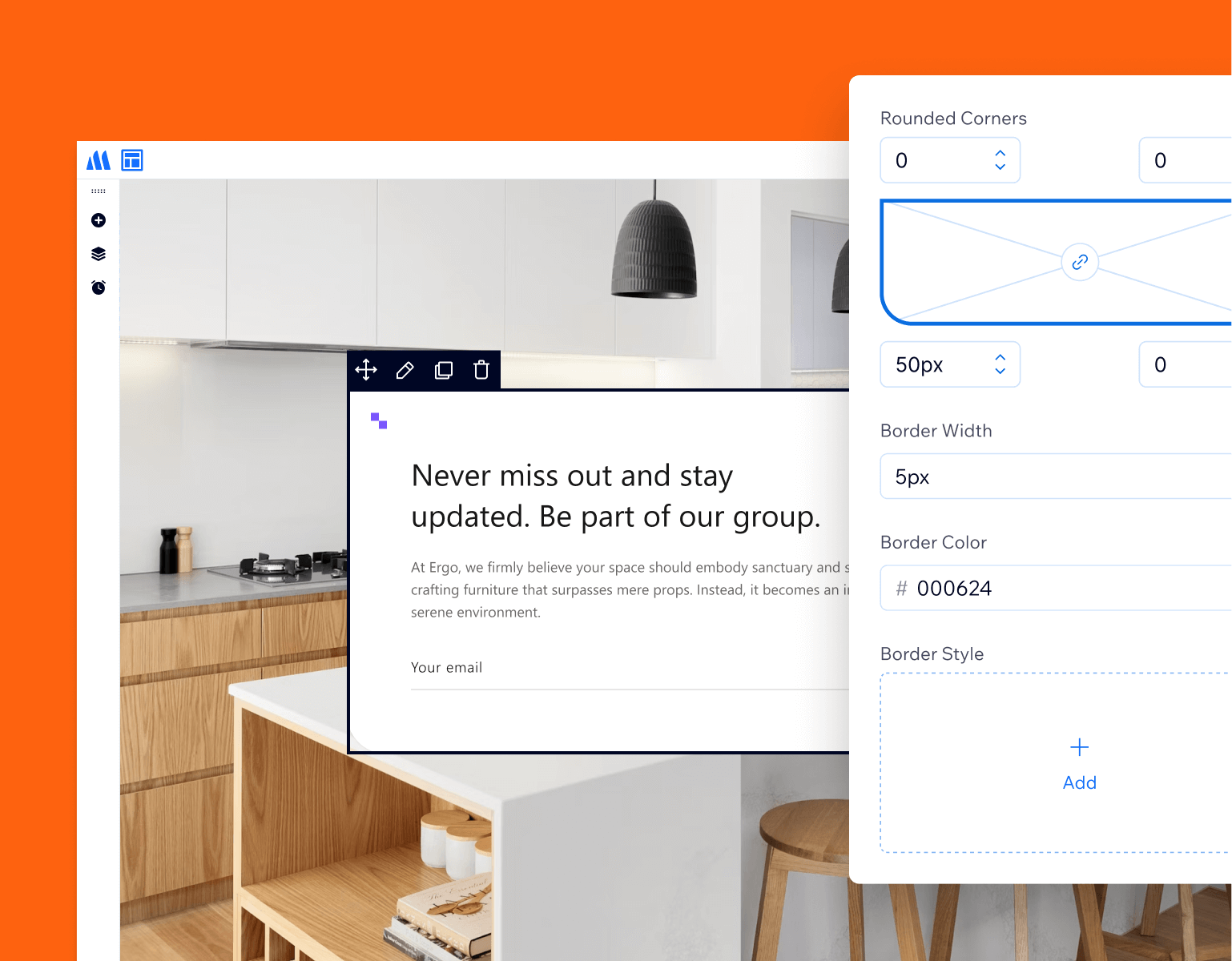
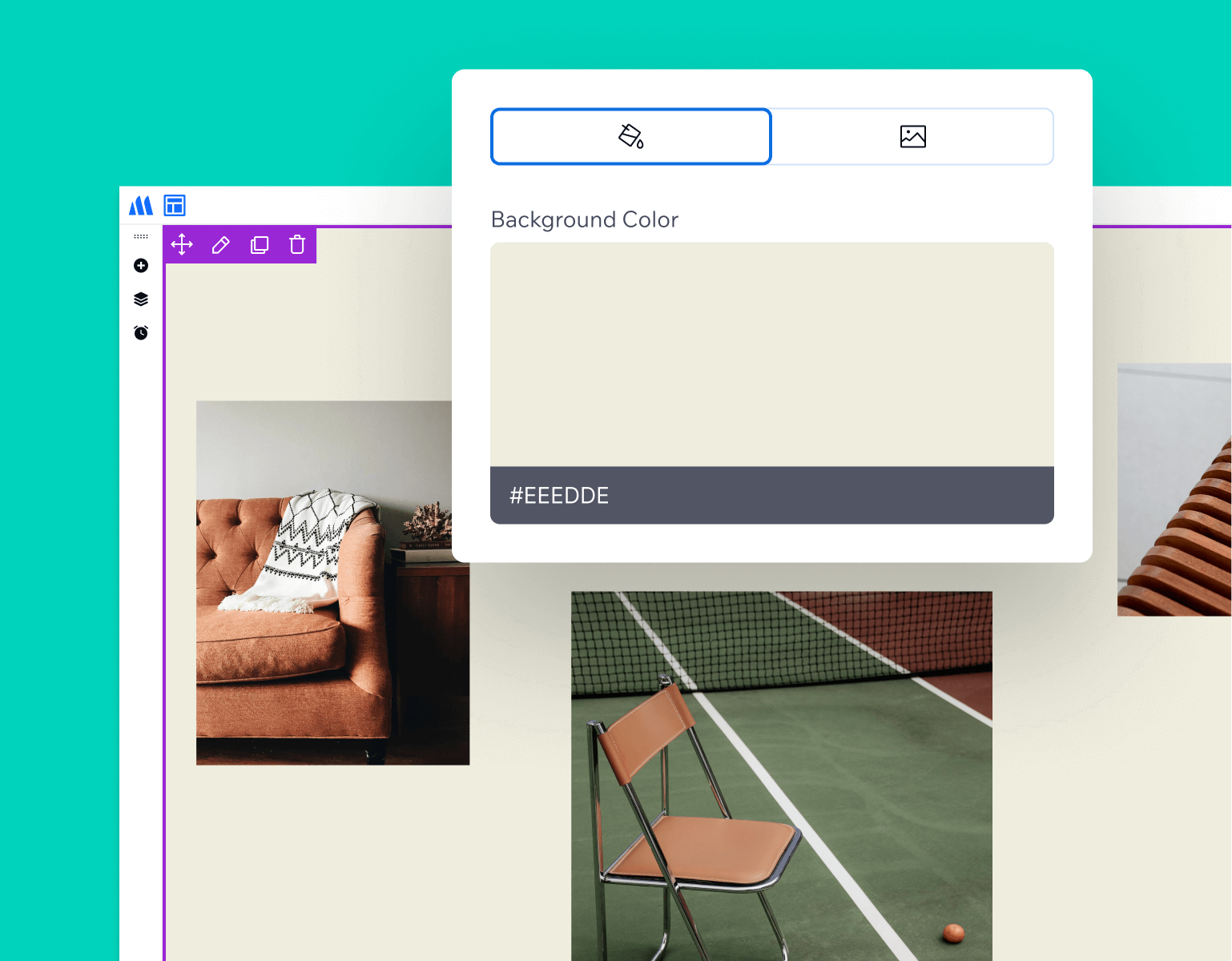
Enhance visual appeal of any block with background colors or images, using fine-grained options for flexible customization.
Build content faster by eliminating tedious tasks with smart, workflow-focused tools.
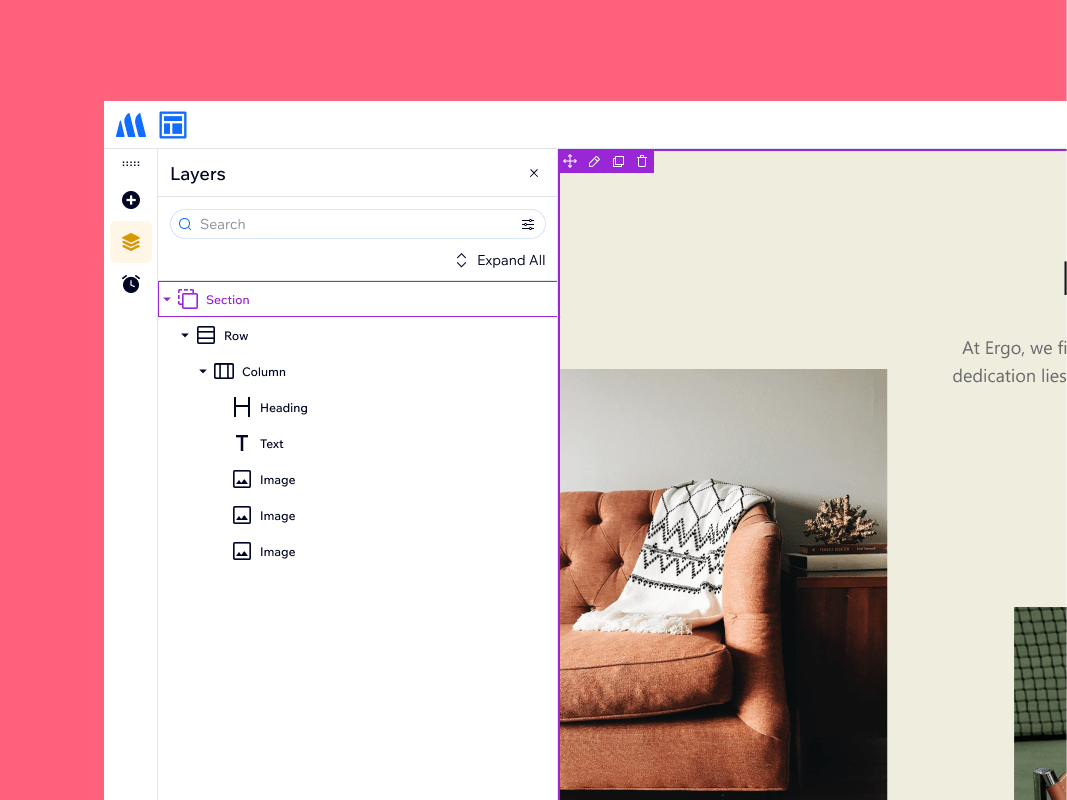
The Layers view gives you a clear overview of your content structure and a faster way to manage blocks. Search & filter, add, duplicate, move, or delete blocks—all with changes reflected instantly on your content.
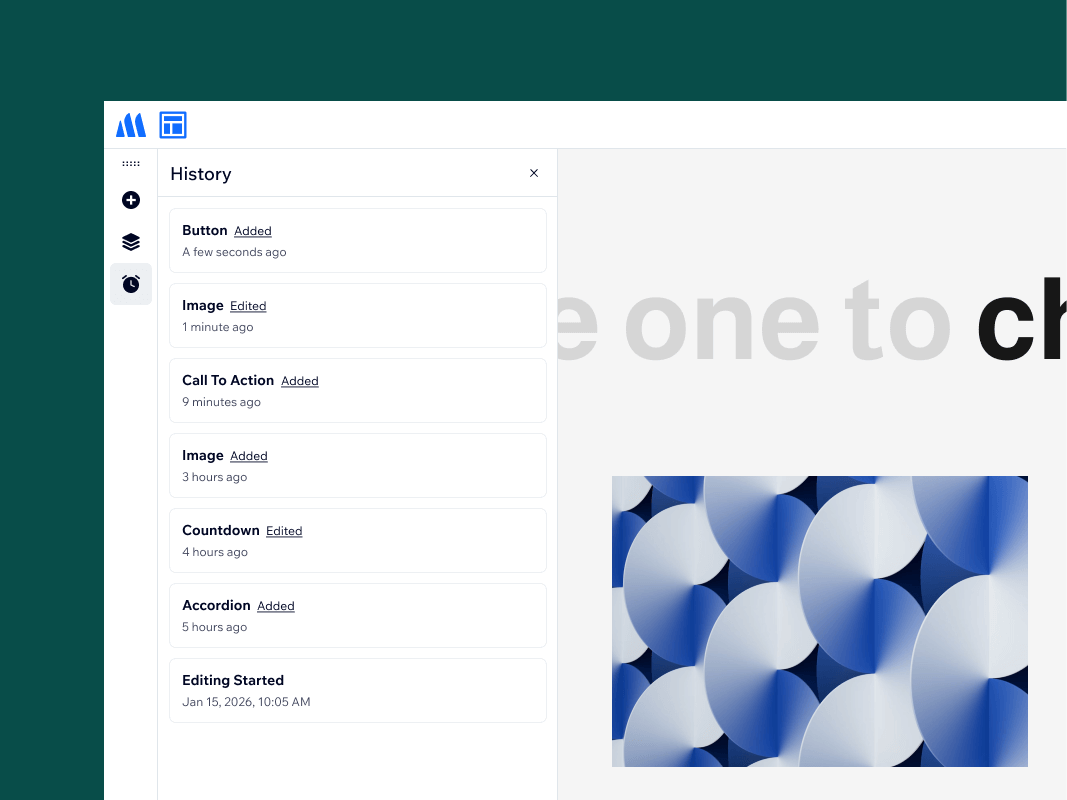
Magento 2 Page Builder tracks every action as you work in the current editing session, allowing you to jump back to any point in time.
A flexible editor interface adapts to how you work best, with options to dock the sidebar left or right, float it freely, control how hidden blocks are displayed, and more.
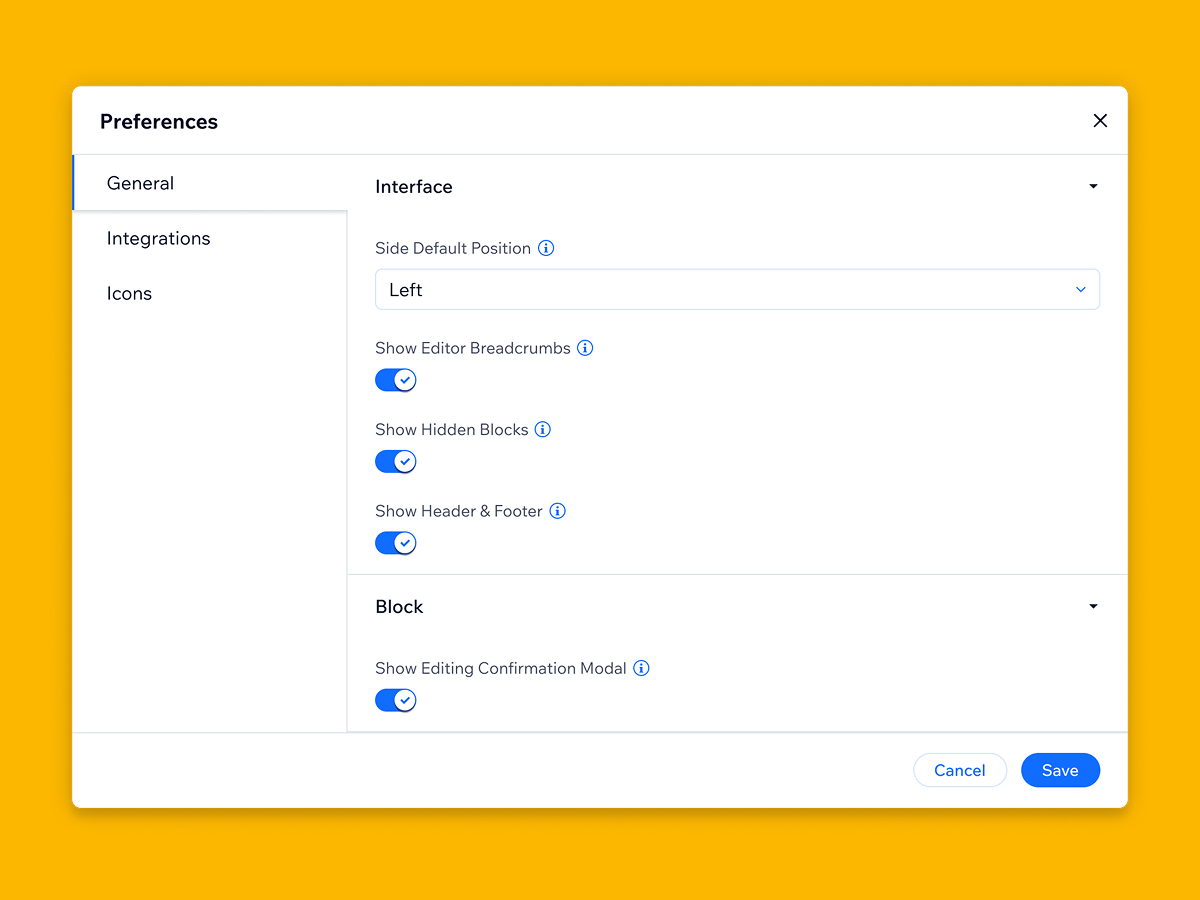
Page Builder works smoothly with Magento themes and works hand-in-hand with extensions for efficient content building.
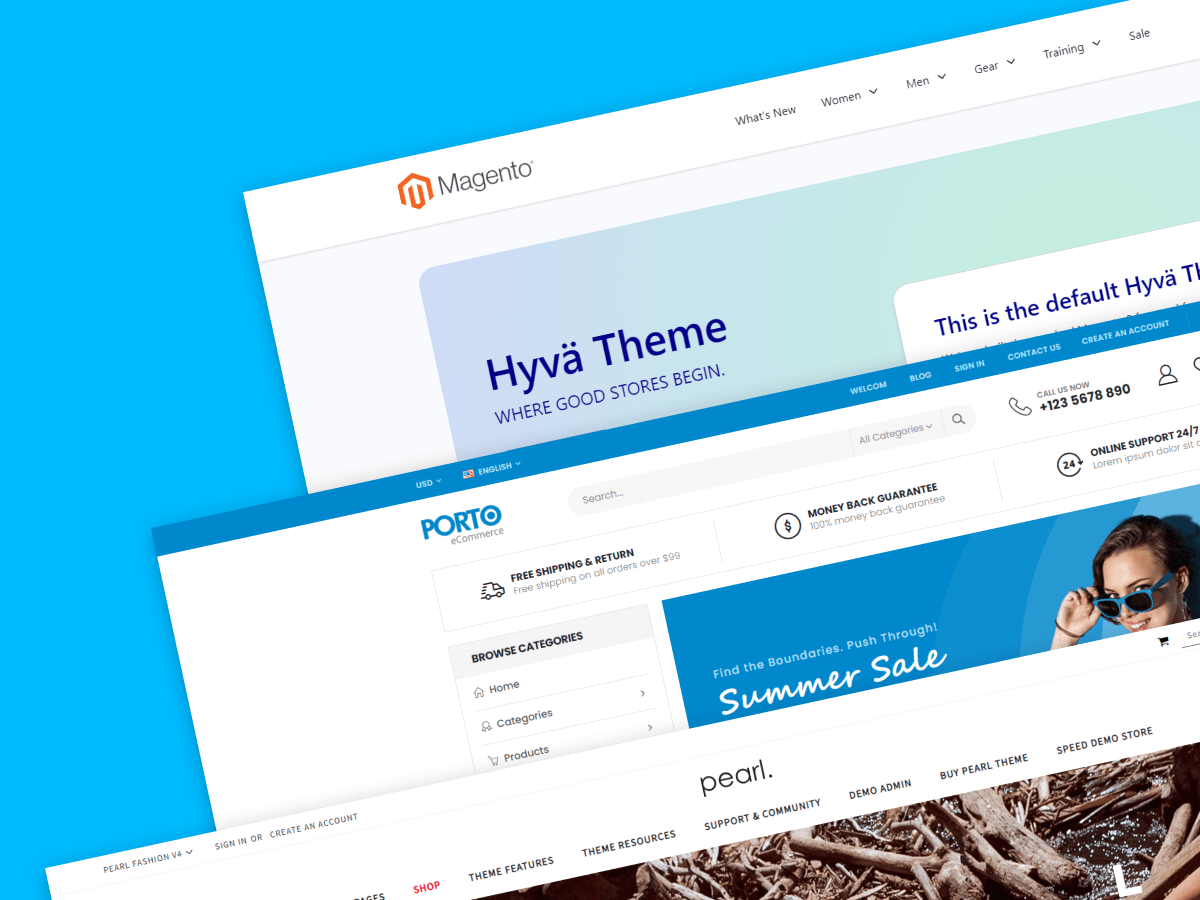
Magento 2 Page Builder integrates smoothly with themes that follow Magento coding standards such as Hyvä, Porto, Pearl. Therefore, you can focus on creating content, not fixing compatibility issues.
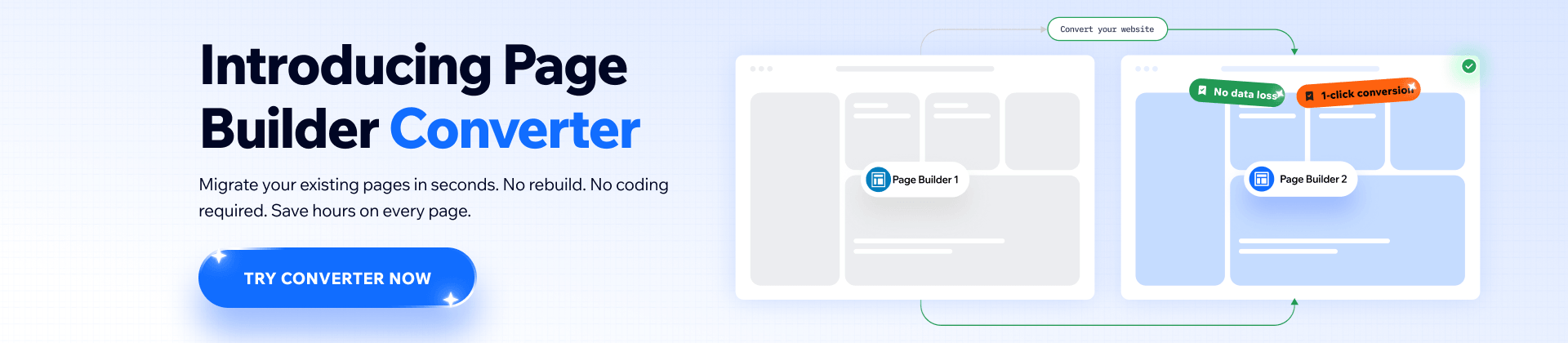
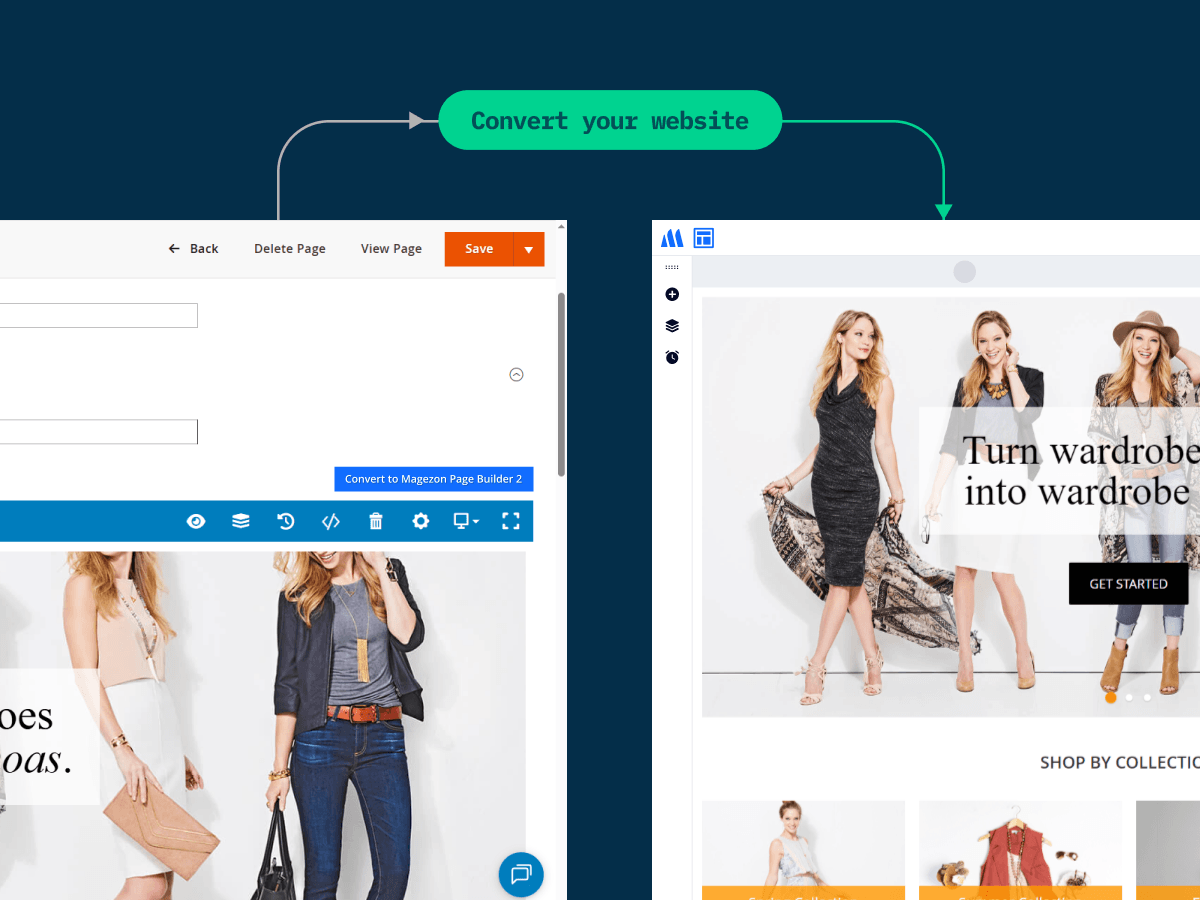
Save hours of manual work by converting your Page Builder 1 content to Page Builder 2 in a single click — no need to rebuild from scratch.
30-day money back. Free lifetime updates

Note: With Page Builder 2, we’ve transitioned from a one-time purchase model to an annual subscription. If you are currently using Page Builder 1 and would like to upgrade to Page Builder 2, you will need to purchase Page Builder 2 from our website. However, we offer a 30% upgrade discount in the first year for existing Page Builder 1 users — please contact us to receive your coupon code.
Do you have any questions about Magezon Page Builder? See the list below for our most frequently asked questions. If your questions are not listed here, please contact us.
To install this extension, please refer to Magezon Page Builder Installation Guide for detailed instructions. It will take you just a few minutes to install our extension.
If you're using Hyva theme, you need to install an additional module to make the extension work on this theme. Please download the module, then unzip the file from the root directory to apply the module. After that, run the following commands to install the module:
bin/magento module:enable Hyva_MagezonPageBuilder2
bin/magento setup:upgrade
bin/magento setup:di:compile
bin/magento cache:flush
The latest version of Page Builder keeps almost all of the core features and blocks from the version 1, so nothing essential is lost.
While there are several improvements overall, the biggest differences you’ll notice are enhanced performance and the redesigned modern, user-friend builder interface. For more details, please check out our blog post.
No, it will not. Performance is a critical issue with Magezon Page Builder 1. However, it has been resolved in Page Builder 2 - the latest version.
Page Builder 2 loads components as needed rather than reloading the entire page. Additionally, we’ve significantly reduced the size of CSS and JavaScript files by removing unused code.
As a result, both the builder and the frontend load faster and feel lighter overall, especially for complex websites. Interactions are also quicker, smoother without lag or stuttering when dragging, adding blocks or making design changes.
Yes, you can convert content built with Page Builder 1 into Page Builder 2 blocks without rebuilding from scratch. Your layout and styling are preserved as much as possible after conversion. However, minor adjustments may be needed in some cases.
Please note that some unsupported blocks may not be converted or displayed in Page Builder 2, including Image Gallery, Pinterest, Pricing Table, Raw JS, Single Product, Slider, Template, Toggle, Facebook Button, and X Timeline.
Therefore, we recommend reviewing your pages to ensure everything looks perfect. If you encounter unsupported blocks, feel free to contact our support team — we’re here to help you find the best solution.
Yes, you can. With content created with Page Builder 1, you can continue editing it using this version only, not the new one. When you create a new content, e.g. CMS page, you will use Magezon Page Builder 2.
Page Builder 1 will continue to be supported until February 11th, 2027, including maintenance and critical updates. After that period, it will no longer receive new feature development.
No, the upgrade is not free because we’ve transitioned from a one-time purchase model to an annual subscription for Page Builder 2.
If you’re currently using Page Builder 1 and would like to upgrade to Page Builder 2, you will need to purchase Page Builder 2 from our website with an annual subscription. We offer a 30% upgrade discount in the first year for existing Page Builder 1 users — please contact us to receive your coupon code.
At this stage, Magezon Page Builder does not yet support converting existing content into its blocks. You can continue editing your content with Magento Page Builder/WYSIWYG Editor, or if you choose to edit it with Magezon Page Builder, it will be converted into a Text block in the code format.
We can’t say 100% for sure that our Page Builder works well with other Magento 2 extensions installed on your site. If any compatibility issues happen, please report them to us via contact form to get support.
Page Builder works well on any modern browser, but Google Chrome is highly recommended for the best performance.
No, you can’t. Magezon Page Builder does nothing with your header & footer. Instead, take a look at our Header & Footer Builder. Mind that if you install both extensions, Magezon Page Builder elements can be used to edit your header & footer.
If you disable Page Builder, your content will disappear.
If you uninstall Page Builder, your content will be displayed incorrectly. In case you want to remove the content completely from your site, please contact us via ticket and we will send you a module to do that.
Page Builder for Community is created for the Magento Community edition. Meanwhile, Page Builder for Enterprise is built for the Magento Enterprise (now Commerce) edition. The features for these 2 editions are the same. The only difference lies in the code used to develop Page Builder so that it is compatible with each edition.
Page Builder is used to create content for CMS pages, blocks, category descriptions, and product descriptions. Meanwhile, the Landing Pages extension allows you to create landing pages that are managed in one place. The 2 extensions also differ in the elements and some features which serve the function of each one.
To get support for installation, you need to pay $50 per product. You can pay for installation fee while adding a product to cart from its detail page by ticking Installation Support + $50.00 in the Additional Services block. Or purchase installation support separately from this page.
After finishing your purchase, please submit a ticket and we're ready for help within 24 hours. Don't forget to include the following information in your ticket:
Order ID
SSH account & admin account
Absolutely. Magezon offers you free lifetime updates and 90-day free support.
After 90 days, you need to pay an extra fee for our support. However, we believe that 90 days is enough for you to install, run and use our extension properly on your website.
If you have any questions or need any support, feel free to contact us via the following ways. We will get back to you within 24 hours after you submit your support request.
We’ve transitioned from a one-time purchase model to an annual subscription for Page Builder 2. The yearly cost is $169/year
Currently, we only support payment via Paypal if you purchase products on our website. However, we will consider other payment methods and notify you of this.
Yes, you can ask for a refund within 30 days since your purchase. However, please check our refund policy first to make sure that you are eligible for the refund. Then send your request by submitting contact form or emailing us at support@magezon.com.
According to our license policy, you are allowed to use A extension license on only one Magento installation.
If you want to use our extension on another Magento installation, you have to purchase another license for this installation.
If you’re running multiple domains or websites under the same Magento installation, you just need to use one extension license.
Come with a full service package, extensive documentation and excellent support.
Contact us within 30 days and we'll give you a full refund. Checkout our refund policy here
Instantly get notified by e-mail once a new version is released.
90 days of troubleshooting support and bug fixes for free.
Helping you to use our extension is the fastest.
All our extension are of top quality and come with well-commented code.
All extensions come with a detailed PDF and online user manual.